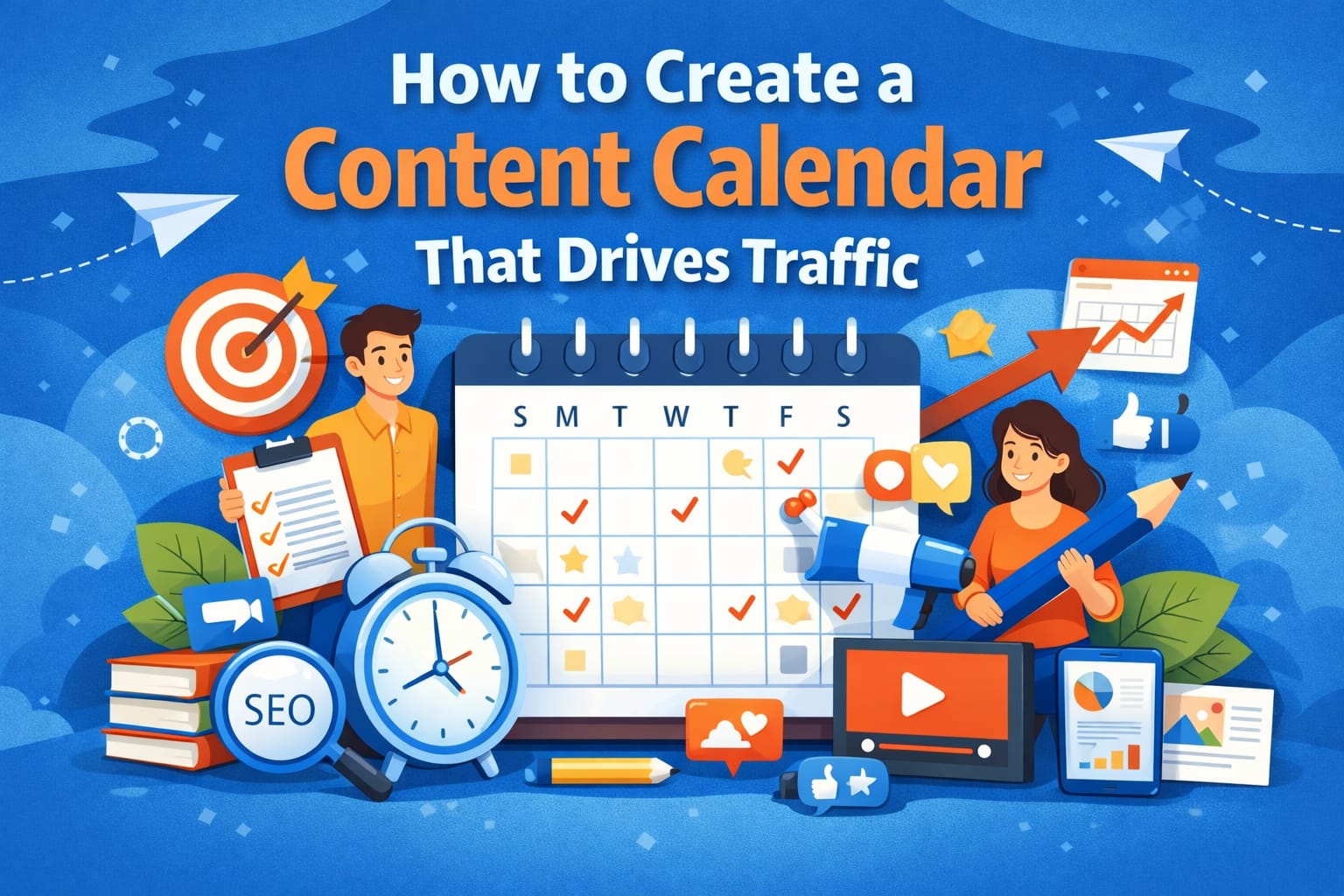
If you constantly struggle with what to post, when to publish, or how to stay consistent, you don’t need more motivation you need a content calendar.
A well-planned content calendar helps you stay organized, publish consistently, and most importantly, drive targeted traffic to your website. Instead of guessing your next topic, you work with a clear strategy aligned with your goals especially when you follow a structured content marketing strategy for beginner’s that connects every piece of content to measurable results.
What Is a Content Calendar?
A content calendar is a strategic planning document that outlines what content you will publish, when you will publish it, and where you will distribute it.
It can include:
-
Blog posts
-
Social media posts
-
Email newsletters
-
Videos
-
Lead magnets
-
Promotions
Instead of posting randomly, you follow a structured system designed to grow your audience.
Why a Content Calendar Is Essential for Traffic Growth
Many beginners create content without a plan. That approach leads to inconsistency, burnout, and poor results.
Here’s why a content calendar changes everything:
1. It Improves Consistency
Search engines reward consistency. When you publish regularly, your website becomes more active and trustworthy.
2. It Strengthens SEO Strategy
A content calendar helps you plan keyword clusters instead of random topics. This builds topical authority and improves rankings.
3. It Saves Time
Planning once per month saves hours of daily confusion.
4. It Aligns Content with Business Goals
Every piece of content serves a purpose traffic, leads, sales, or brand awareness.
Step 1: Define Your Traffic Goals
Before creating your content calendar, define your objective clearly.
Ask yourself:
-
Do I want more organic traffic?
-
Do I want email subscribers?
-
Do I want product sales?
-
Do I want brand awareness?
For example:
-
Traffic goal → Focus on SEO blog posts
-
Lead generation → Add downloadable guides
-
Sales → Create product comparison articles
Your goals will shape your calendar structure.
Step 2: Perform Keyword Research First
Never create a content calendar without keyword research.
Find:
-
Low-competition keywords
-
Long-tail keywords
-
Question-based keywords
-
Search intent keywords
Group related keywords into clusters.
Example for a digital marketing blog:
Main Topic: Content Marketing
Cluster Topics:
-
Content calendar
-
Content marketing tools
-
Blogging strategy
-
Content repurposing
Planning content around keyword clusters helps your website rank faster.
Step 3: Choose the Right Publishing Frequency
Be realistic.
Many beginners plan to post daily and quit after two weeks.
Start with:
-
1–2 blog posts per week
-
3–5 social media posts per week
-
1–2 email newsletters per month
Consistency matters more than volume.
Step 4: Structure Your Content Calendar Properly
Your content calendar should include the following columns:
-
Publish Date
-
Content Title
-
Target Keyword (e.g., content calendar)
-
Search Intent
-
Content Type
-
Platform
-
Status (Draft / Editing / Published)
-
Internal Links
-
Promotion Plan
You can use:
-
Google Sheets
-
Notion
-
Trello
-
Click Up
-
Asana
Keep it simple at the begin
Step 5: Plan Content Using the 70-20-10 Rule
This strategy keeps your content balanced.
70% Evergreen Content
Evergreen posts generate long-term traffic.
Examples:
-
How to Create a Content Calendar
-
SEO Basics Guide
-
Blogging for Beginners
20% Trending Content
Industry updates, tools, or new strategies.
10% Promotional Content
Product launches, services, or affiliate content.
This mix keeps your audience engaged while growing organic traffic.
Step 6: Align Content with Search Intent
Search intent determines ranking success.
There are four types:
-
Informational (How to create a content calendar)
-
Navigational
-
Commercial
-
Transactional
If your goal is traffic, focus heavily on informational content.
Match your headlines and structure to what users are searching for.
Step 7: Create Monthly Content Themes
Instead of random topics, assign a theme per month.
Example:
January – SEO Basics
February – Content Marketing
March – Social Media Strategy
This builds topical authority and improves internal linking opportunities.
Search engines prefer websites that cover topics deeply rather than broadly.
Step 8: Schedule Promotion in Advance
Publishing content is only half the work. Promotion drives traffic.
For every blog post, schedule:
-
3–5 social media posts
-
1 email newsletter mention
-
Pinterest pin (if relevant)
-
LinkedIn article summary
-
WhatsApp broadcast (if applicable)
Add promotion dates inside your content calendar so nothing gets missed.
Step 9: Track Performance and Optimize
A content calendar should evolve based on performance.
Track:
-
Organic traffic
-
Click-through rate
-
Keyword rankings
-
Engagement rate
-
Conversions
After 30–60 days:
-
Update low-performing articles
-
Improve headlines
-
Add internal links
-
Optimize for featured snippets
Optimization increases traffic without creating new content.
Common Mistakes to Avoid
Avoid these beginner mistakes:
-
Planning too much content at once
-
Ignoring keyword research
-
Publishing inconsistently
-
Forgetting promotion
-
Not updating old posts
-
Overloading the calendar
Keep your system realistic and flexible.
Example of a Simple Weekly Content Calendar
Here’s a practical example:
Monday – Publish SEO blog post
Wednesday – Share LinkedIn educational post
Friday – Publish blog post about content calendar
Sunday – Send email newsletter
This balanced approach drives steady traffic growth.
Tools to Help You Manage Your Content Calendar
Here are beginner-friendly tools:
-
Google Sheets (Free and simple)
-
Notion (Flexible content planning)
-
Trello (Visual board system)
-
Click Up (Project management)
-
Grammarly (Content editing)
Start simple. Upgrade only when necessary.
How Long Does It Take to See Traffic Growth?
If you follow a structured content calendar:
-
1–2 months → Improved consistency
-
3–6 months → Noticeable organic growth
-
6–12 months → Strong traffic momentum
Content marketing rewards patience and consistency.
Final Thoughts
A well-planned content calendar is the backbone of successful content marketing.
When you:
-
Set clear goals
-
Perform keyword research
-
Plan strategically
-
Publish consistently
-
Promote effectively
-
Track performance
You create a system that drives predictable traffic growth.
Stop guessing what to post next. Build a structured content calendar and turn your content into a traffic-generating machine.
Frequently Asked Questions
1. What is a content calendar?
A content calendar is a structured plan that outlines what content you will publish, when you will publish it, and where it will be distributed. It helps maintain consistency and improve traffic growth.
2. How often should I update my content calendar?
You should update your content calendar monthly. Review performance data and adjust topics based on keyword trends and audience engagement.
3. Does a content calendar improve SEO?
Yes, a content calendar improves SEO by helping you plan keyword clusters, maintain consistent publishing, and create structured internal linking strategies.
4. What tools can I use to create a content calendar?
You can use Google Sheets, Notion, Trello, Click Up, or Asana to manage and track your content planning effectively.
5. How far in advance should I plan content?
Beginners should plan content at least 30 days in advance. Advanced marketers often plan quarterly for better strategic alignment.